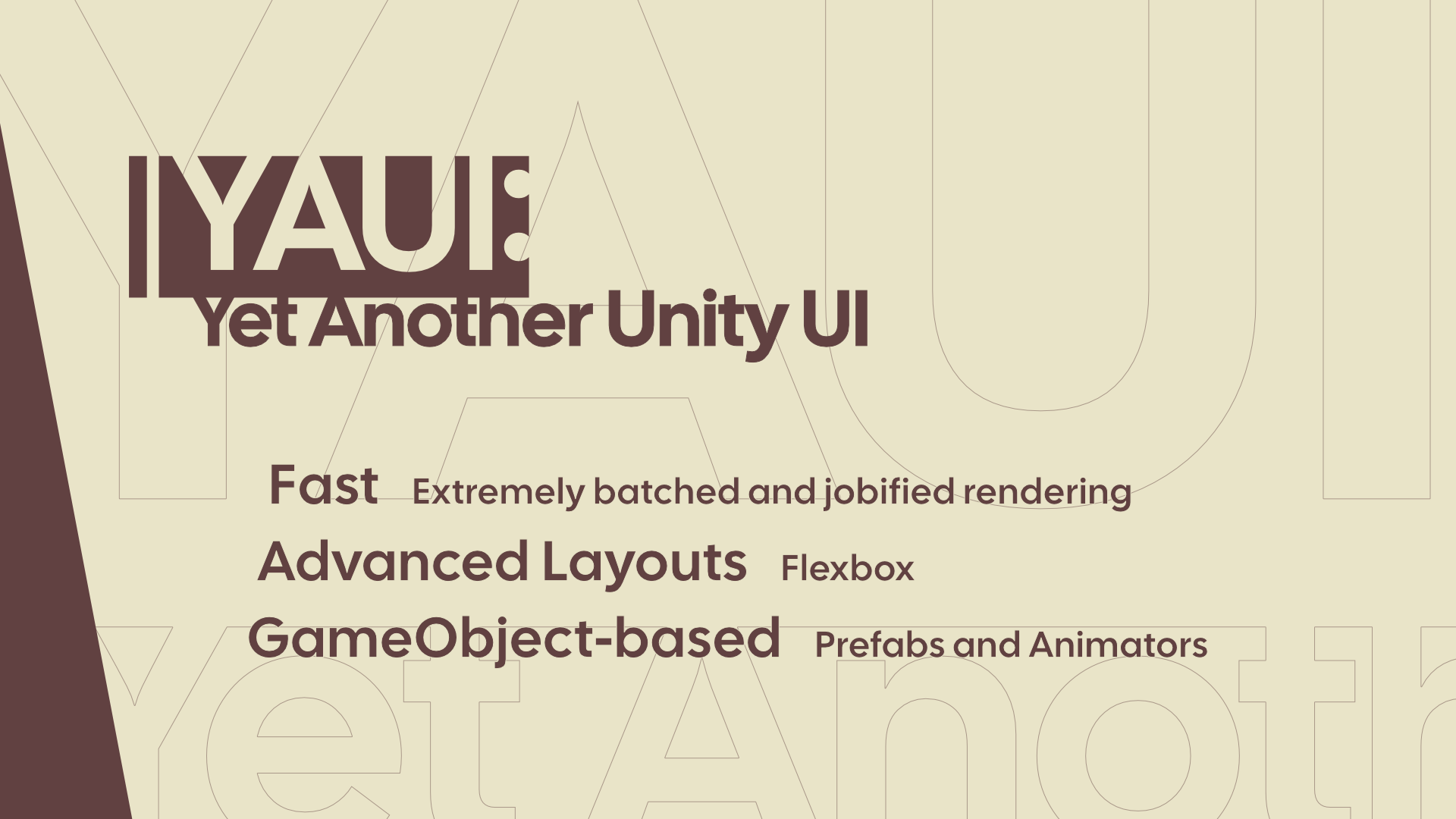
YAUI (Yet Another Unity UI) is a UI system for Unity. It is built on GameObjects and MonoBehaviours and designed for performance.
warning
YAUI is experimental. Breaking changes can be made before the first stable release.
Why YAUI?
Unity has two UI systems, and each has a tradeoff:
- uGUI is built on GameObjects, so it works with Prefabs, Animator, Timeline and the Inspector. But it rebuilds and re-batches meshes on the main thread, and its layout groups are slow. Its standard shader has few features, so projects often add custom shaders, which break batching.
- UI Toolkit is fast and has Flexbox and a rich standard look. But it is separate from GameObjects: you cannot use Prefabs, Animator or components on its elements.
YAUI keeps the GameObject authoring model of uGUI. It adds constraints that uGUI cannot add without breaking compatibility, and uses them to get the performance of a modern UI engine. YAUI is not compatible with uGUI and has no migration path from it.
Fast
- One draw call per panel. Every box, image and glyph is a quad in a GPU buffer, expanded by the vertex shader. There are no meshes to rebuild or batch.
- Rich looks without custom shaders. One uber shader draws rounded corners (per corner), borders, drop shadows, SDF text with outlines and shadows, and sliced and filled images, without breaking the batch.
- Parallel CPU work. Text generation and layout run as jobs on worker threads, at the same time as your game code.
- No cost when nothing changes. Setters write changes directly to the data for the GPU, and only the changed chunks are uploaded.
- Burst hit testing on a uniform grid, connected to the EventSystem.
Advanced layouts
- Flexbox, with a port of Yoga (the layout engine of React Native). It runs on worker threads with Burst.
- Layout boundaries: a box with a fixed size stops changes inside it from spreading. A change only lays out the part of the tree that it affects.
- Transforms (translate, rotate, scale) and opacity are applied after the layout, so changing them never runs the layout again.
GameObject-based
- Elements are components on GameObjects. Build your UI with Prefabs, animate it with Animator and Timeline, and edit it in the Inspector with Undo.
- Input goes through the EventSystem and the Input System UI Input Module. Pointer events, navigation and selection work as they do with uGUI.
- Panels are drawn as screen overlays or in world space. World space panels are sorted and depth tested with the other transparent objects in the scene.
Features
- Elements: boxes, text, images (simple, 9-sliced, filled) and raw textures
- Clipping to rectangles and rounded rectangles without breaking the batch, and stencil masks of any shape and depth
- Text by Unity's Advanced Text Generator: shaping, OS font fallback, line breaking rules, rich text and sprites
- Controls: button, toggle and toggle group, slider, scrollbar, scroll view, input field (with IME and on-screen keyboards) and dropdown
- Custom shaders built on the shared YAUI shader code
- Rendering and picking in the Scene view